Personal time tracker
Know where your time really goes.
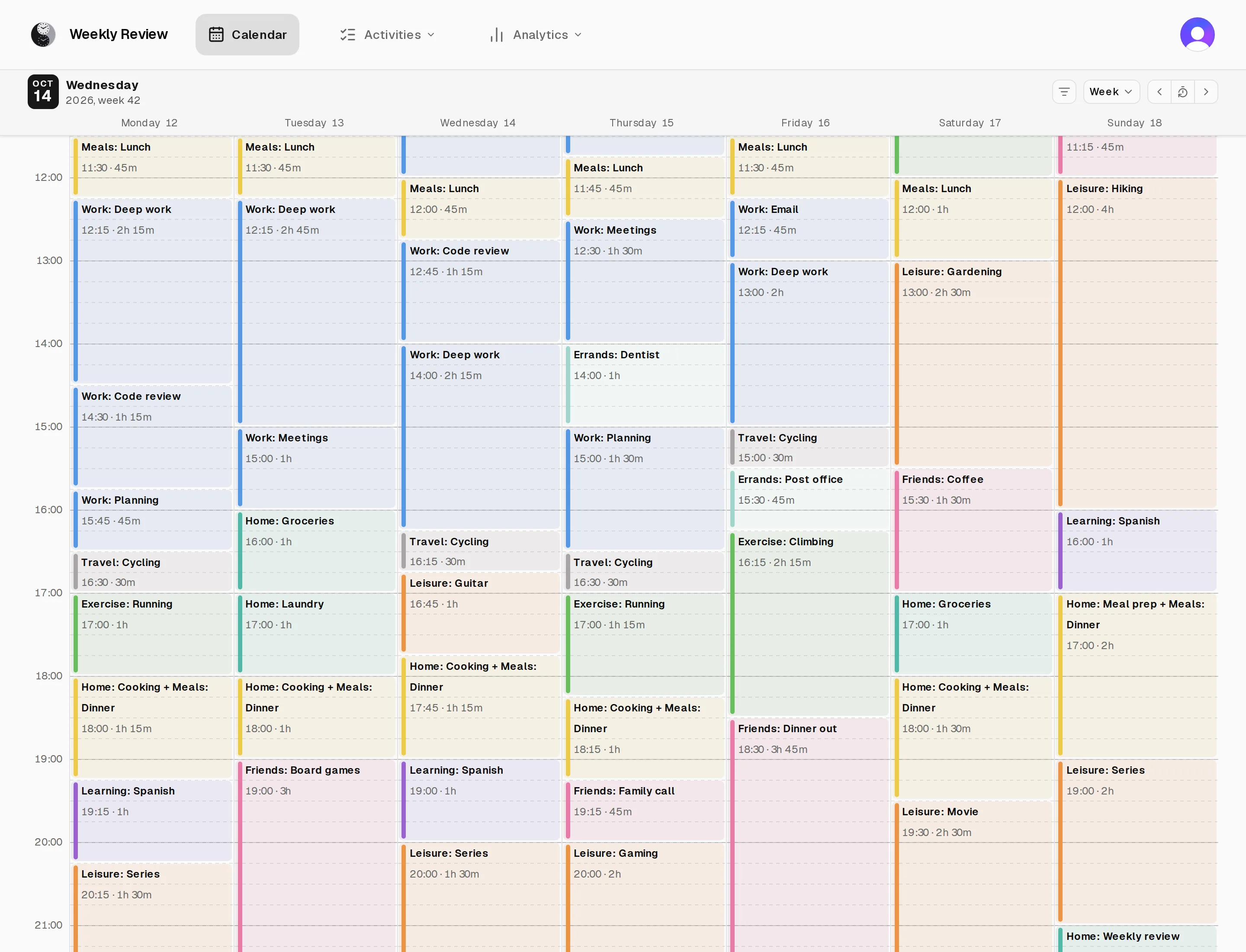
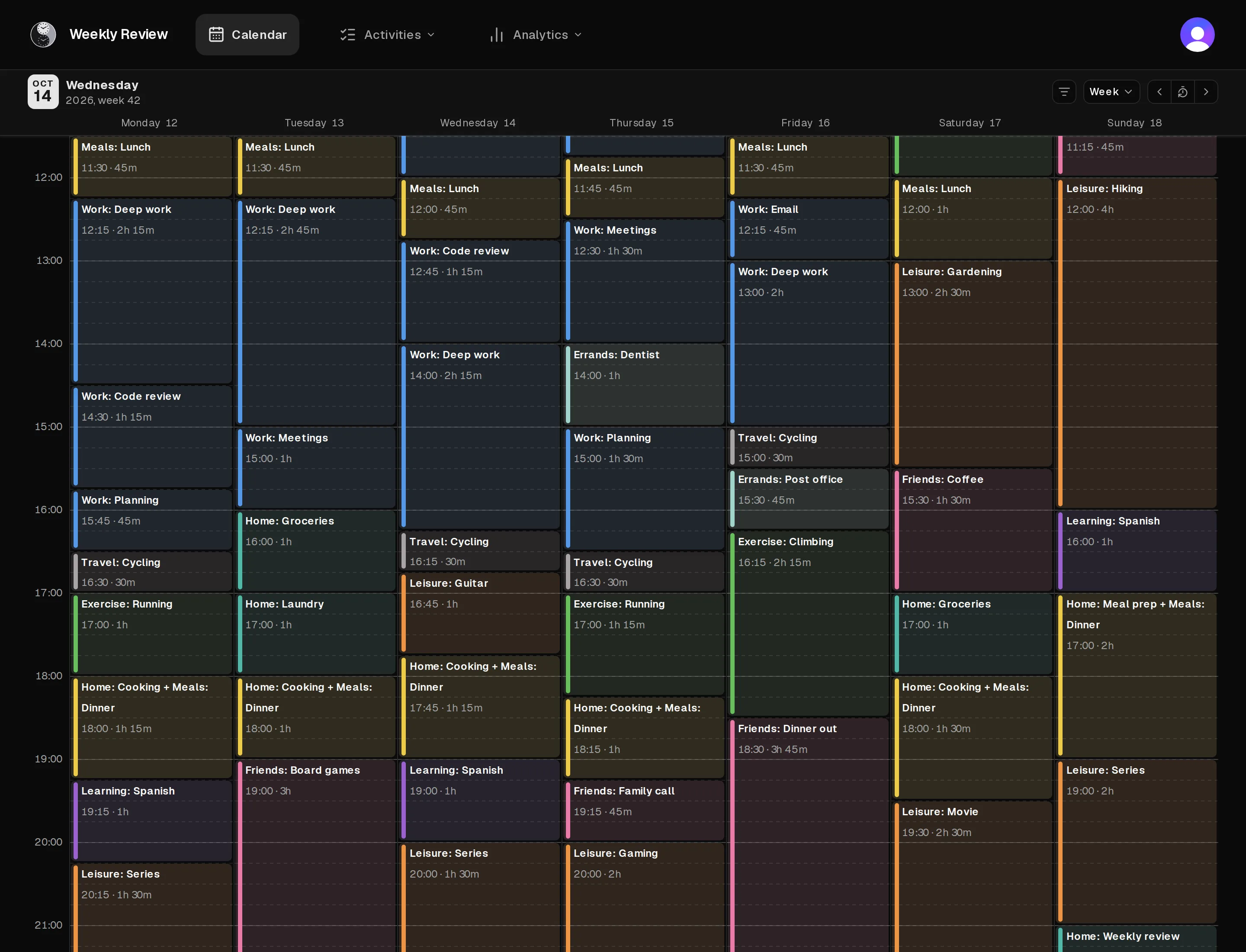
Weekly Review is a time log for your whole day. Log what you're doing in quarter-hour steps, and see your days and weeks on a calendar colored by category.
Pay monthly, yearly, or once for lifetime access.
How it works
Log as you go. Look back on your week.
Each entry says what you did from one quarter hour until your next entry. The calendar lines them up into days and weeks, each entry in its category's color.
Log in a few taps
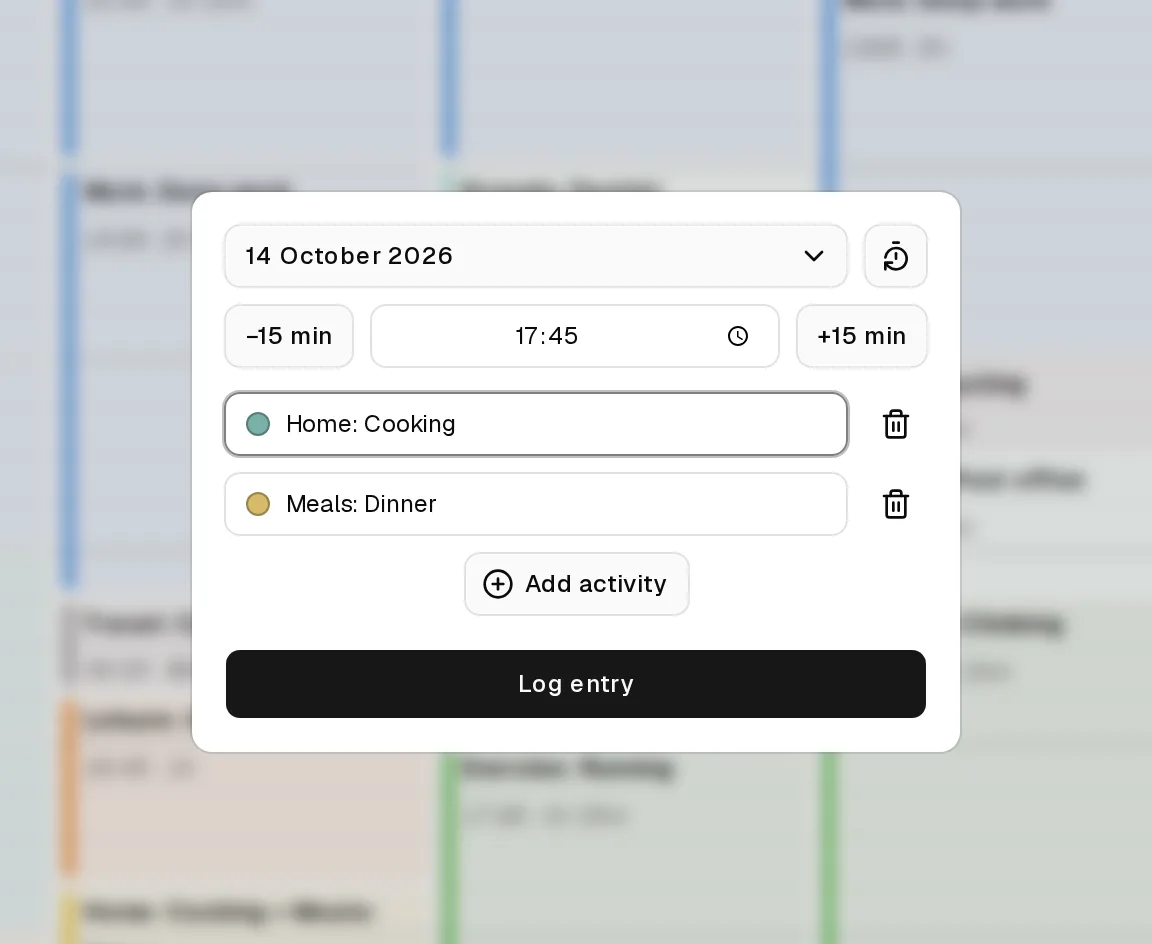
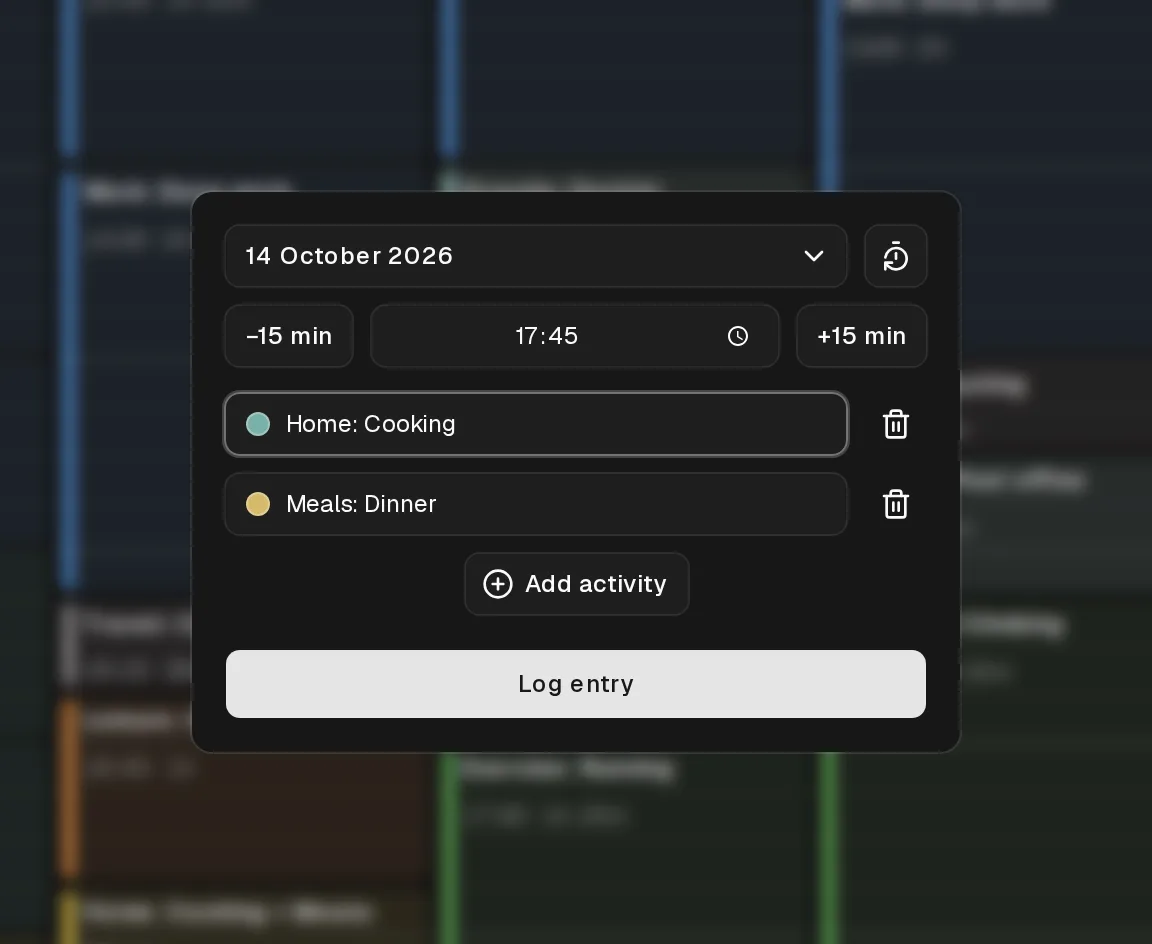
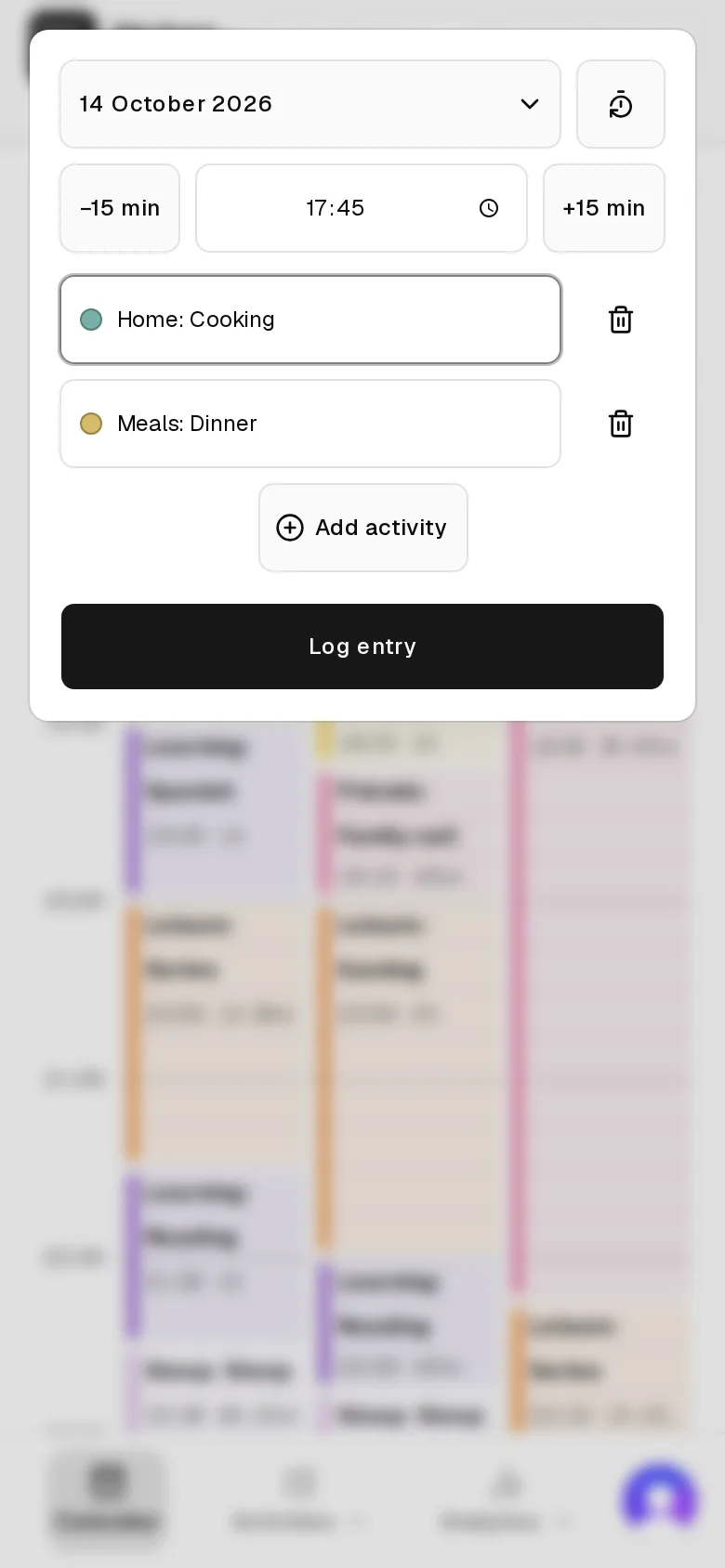
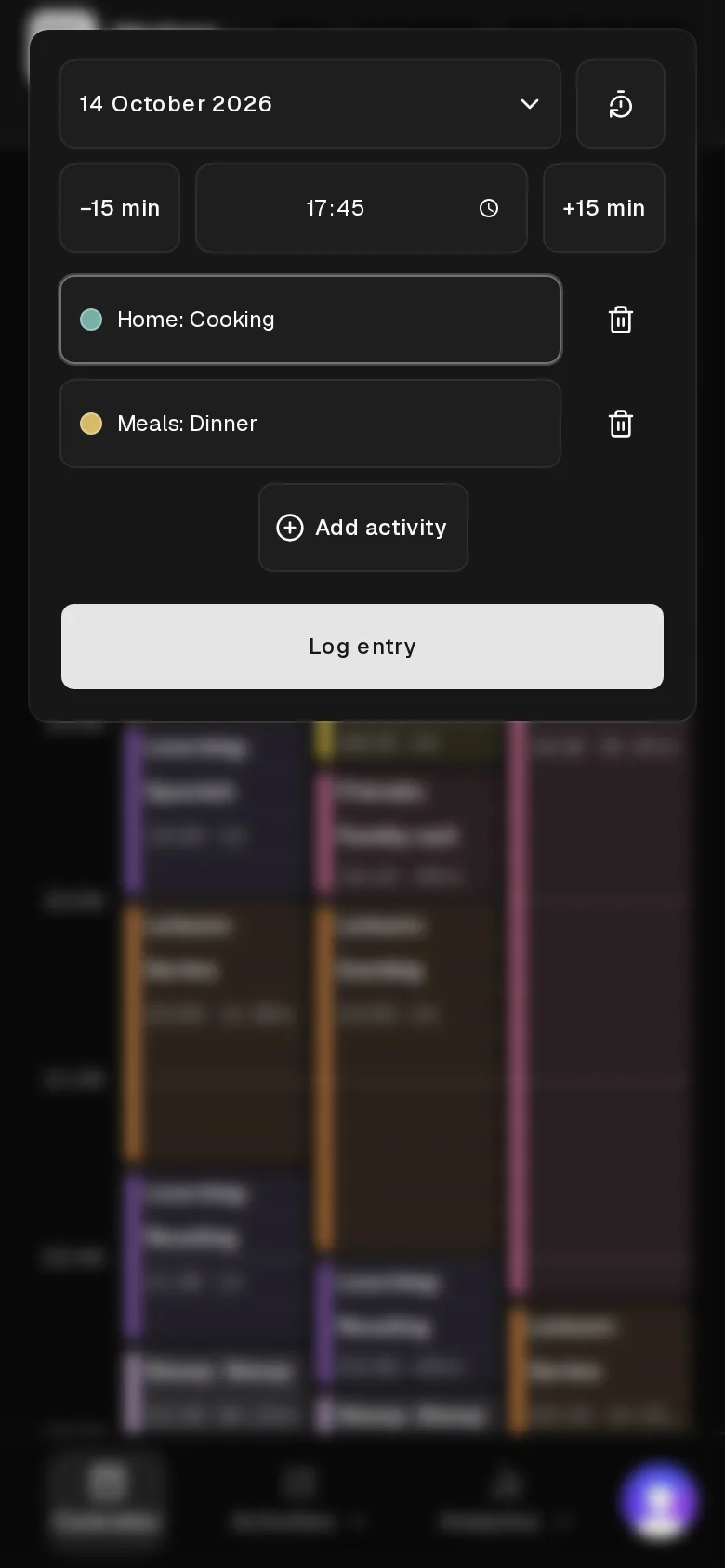
Tap a quarter hour on the calendar to open the entry form. Pick one or more activities, or type a new name to create one. The −15 and +15 buttons move the start time a quarter hour at a time.
On your phone and your computer
Use it in the browser, or install it to your home screen like an app. On Android and on computers, the installed app has a Log entry shortcut that opens the form at the current quarter hour.
Quarter-hour steps
Every entry starts on a quarter hour and lasts until the next one. You log when you switch to something else, and your day has no gaps.
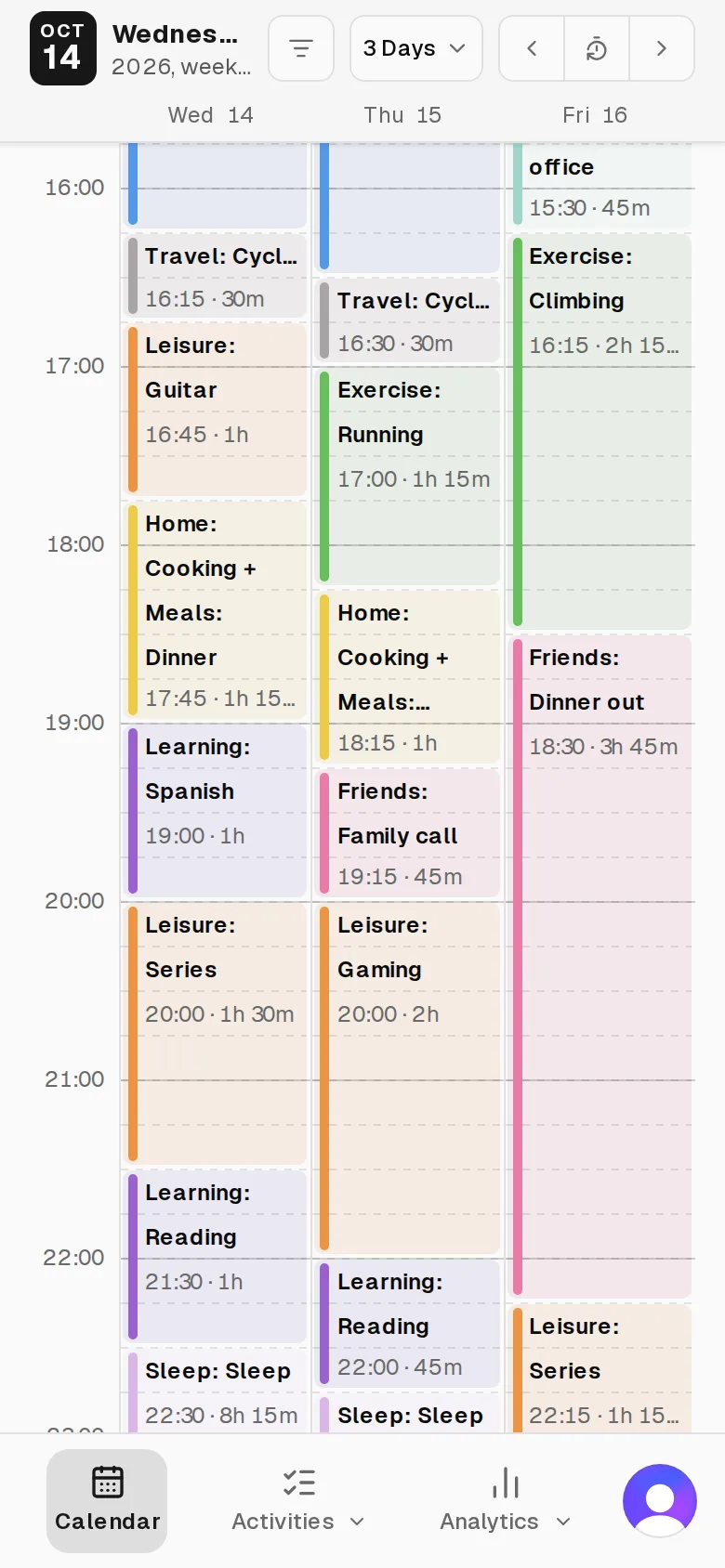
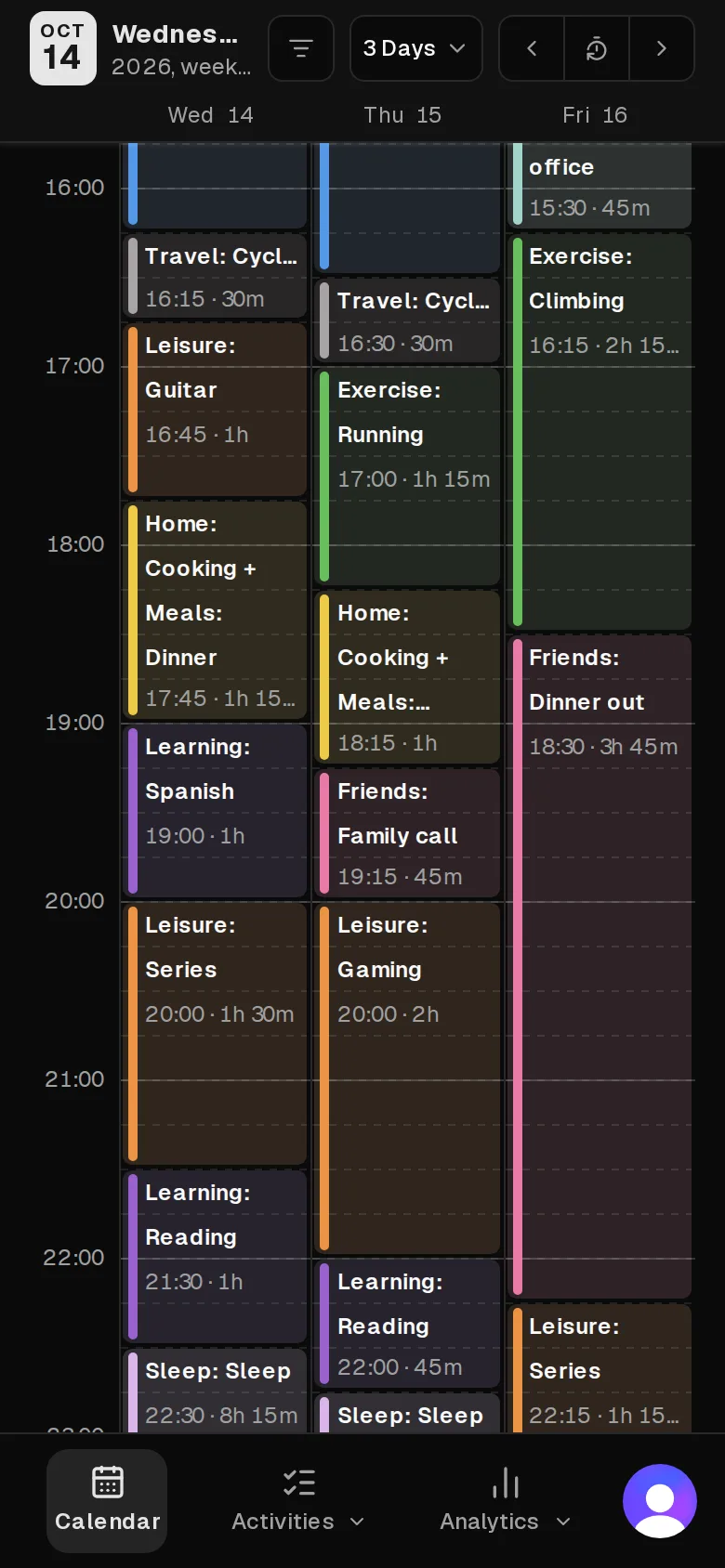
One day, three days or the week
Pick how many days the calendar shows, and whether your week starts on Monday or Sunday.
Categories with colors
Group your activities into categories such as Work, Exercise and Sleep, and give each category a color from a palette of 27.
Color order
Drag the palette into the order you like. An entry with activities from several categories takes the color that comes first.
Rename and merge
Rename an activity, move it to another category, or merge two activities into one. A merge moves every entry, even thousands.
Your data stays yours
Download everything you logged as a JSON file at any time. Deleting your account deletes your entries too.
Pricing
One plan, three ways to pay.
Every plan includes all of Weekly Review: logging, the calendar, your activities and categories, and data export. Subscribe monthly or yearly, or pay once for lifetime access.
Loading paid plans…
New here? Choose a plan, create an account, and complete checkout. Pro access starts once the payment is confirmed.